
If you are fed up with paying high cable fees and getting limited flexibility out of it, you can opt for a streaming service instead. Sling TV was launched by Dish Network in 2015 as a streaming service providing video on demand and OTT services for people who are not looking to invest in traditional cable or TV services, better known as “cord-cutters”. After being rebranded as Sling International, it has about 2.5 million subscribers by 2021, fast approaching the top spot in the streaming services market. Let us know more about that the Sling Error-Know More.
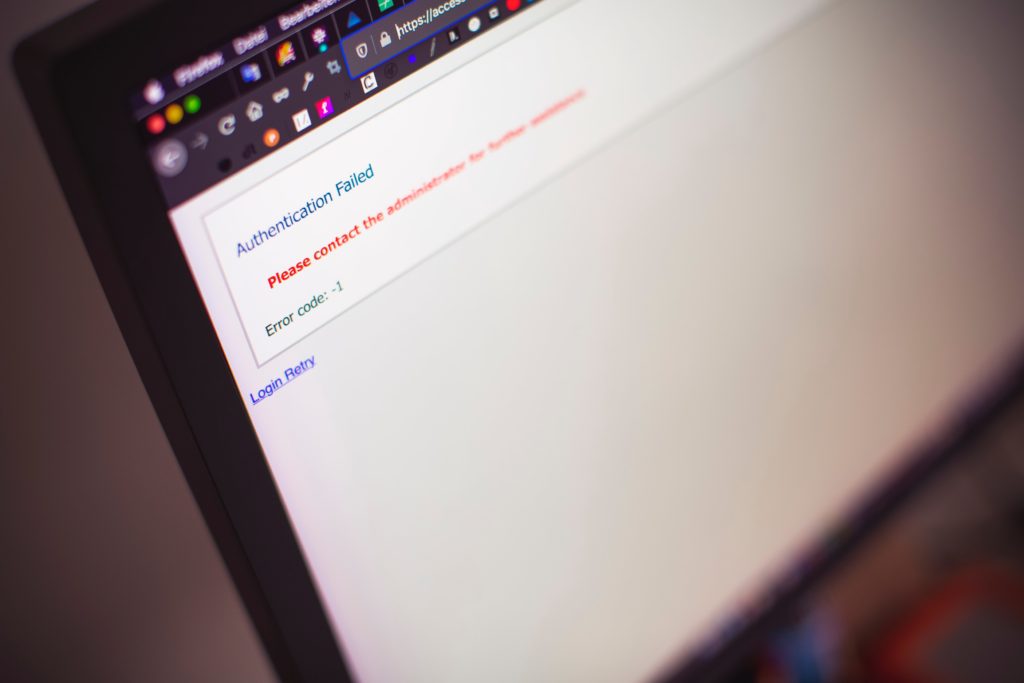
If you are using Sling TV, you may encounter various errors and glitches in your transmission. There are many different codes assigned to these errors, one of which is error 21-37, which means a loss of broadcast signal. It can be due to various reasons, like a glitch in the server, or due to slow internet connection, or due to an error in the authorization of your account. Not to worry though, these problems are easily fixable.
How To Fix Sling Error 21-37?
Here are some simple steps to troubleshoot your device if it is showing errors 21-37:
- Restart device – the easiest way to solve most device errors is to reboot your device. All you have to do is unplug your device from the power source or switch it off, wait for a few minutes, and then turn it back on again.
- Check for network problems – check for errors on your home network. Ping any website on your computer or phone. If there is no reply, it indicates an error on your network or router. If you have a reply, this indicates that there is an error with the Sling TV app or its servers.
- Update app – If you are using an outdated app, it could be causing your errors. Check for regular updates with the app update tool.
- Clear cache – a buildup of caches and cookies on your browser or app can lead to errors. If you are still getting errors after following the above steps, try clearing off the cookies and cached data on your browser or the app.
- Force Closing application – long, continuous use of the Sling TV app can cause it to clog up with data, which affects its performance, giving error codes 21-37. The problem can be solved by force closing the application from “app settings” and by clearing the cache.
- Reinstalling Sling TV – If you are still getting error code 21-37 in your application, the last resort can be to reinstall it. Delete all data and close the application before deleting it and reinstall a fresh version from the app store.
- Customer support – you can always call up customer support and describe the issues to them for them to troubleshoot your problems. If you are not sure what is causing a malfunction on your Sling TV, customer support is always there to help you out.
Other Errors Displayed By Sling TV
- Errors with codes 10-101 and 10-100 are authentication errors that occur while you are logging onto the Sling TV app. They are usually resolved by restarting your device or relaunching the app.
- Errors 21-20 and 24-1 occur while watching a program and can cause a black screen with an error message on the screen. They can be caused by weak network strength or server glitches. These issues are usually resolved by waiting for a clean reboot.
- Error code 4-310 can occur due to unavailable data for streaming and is usually resolved by an update of the app or reboot.
Conclusion
Sling TV is the ideal choice for you if you are looking to watch whatever you want without having to pay for cable and traditional rates for your viewing needs. If there is an error in your Sling TV, often a swift restart or force closing of the app will take care of your problems. If not, then there are a lot of steps you can take.
Frequently Asked Questions
- How can I deal with loading issues on my Sling TV?
Check the compatibility of your device with Sling TV and ensure that you are using the latest version of the app. If your app is compatible and is still not loading, then you can contact customer support or try a different device.
- How can I resolve crashing issues on sling TV?
Check for network errors on the server or router you are using. The internet connection should have a speed of at least 15 Mbps to prevent lagging or buffering on the streaming speed.
- What are the packages offered by Sling TV?
There are two packages on offer by Sling TV: Sling Blue and Sling Orange, with additional channel packages you can add on, including Sports, Kids, and Hollywood channels as per your interests and requirements.
- Can I record my shows on Sling TV?
Sling TV provides customers with 30 hours of recording time, and also on-demand cloud-based DVR.