
It is the biggest and most popular e-commerce company with a plethora of payment options, and PayPal is one of the most popular internet payment services, one would think that it would think that both platforms would be integrated. Sometimes your PayPal balance does not work on Amazon . So the question arises , can you use PayPal on Amazon?
No. Unfortunately, it is not an acceptable payment method on Amazon. This may be because the owner of PayPal (eBay) is its direct competitor. Although Amazon does not let you pay directly with it , there are several workarounds such as the PayPal Cash Card, Business Debit MasterCard, P virtual card, and Key which you can use to make purchases on Amazon.
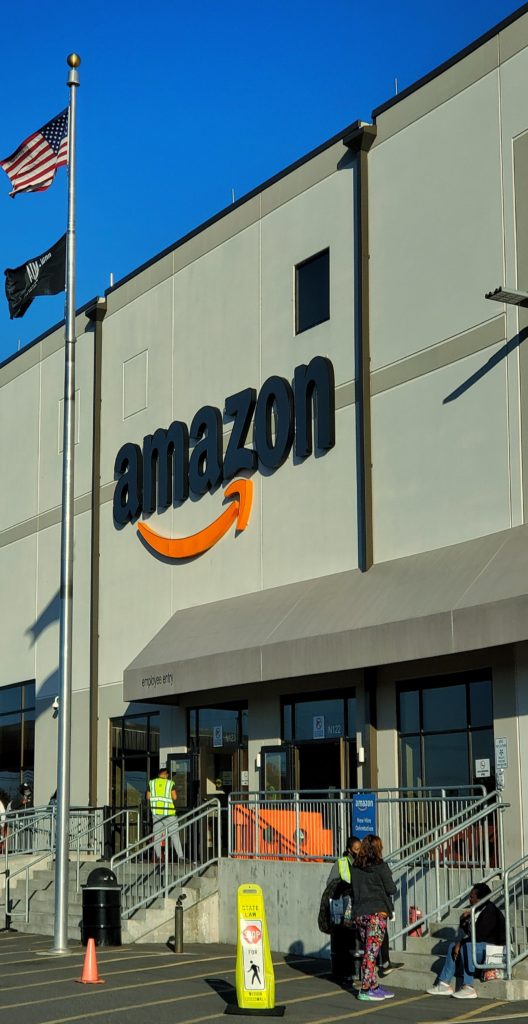
How to Use PayPal on Amazon {Complete Guide}
There are several turnarounds available that you can use to make purchases on Amazon using your PayPal balance. These methods include:
- Use a PayPal Cash Card
The PayPal Cash Card is a form of debit card that allows you to use to PayPal Cash Plus balance to make purchases wherever MasterCard is accepted. And since Amazon accepts MasterCard, you can make use of the PayPal Cash Card to make purchases on Amazon. To use the PayPal Cash Card on Amazon you’ll need to login into your Amazon account and add your PayPal Cash Card as a payment option. To add the cash card, select “your payments” or add it as a new payment method at checkout.
Benefits of using the PayPal Cash Card:
- You do not need a credit check to obtain the PayPal Cash Card
- The money for your transactions on the PayPal Cash Card is debited directly from your PayPal account without needing any bank account.
- You can make deposits directly into your PayPal account using a routing and account number given as you register for the PayPal Cash Card.
- The PayPal Cash Card can be used at any merchant shop that accepts MasterCard.
- Singing up for the PayPal Cash Card is Free.
How to Add Your PayPal Cash Card to Amazon:
following are the procedures below:
- Sign in to your Amazon account
- Navigate to Account & Lists on the menu option and select your account.
- Under the ordering and shopping preference box, select “Payment options”
- Navigate to “Add a new payment method” and select the “Add a Card” option
- Now enter the details of your PayPal Cash Card into the space provided
- Select “Add card”.
Then it will be added.
- Use a PayPal Key
PayPal key is a type of virtual payment method that allows you to pay for goods and services with either your PayPal account balance or with a linked debit or credit card. To use the PayPal key to make payments on Amazon, all you have to do is enter your 16-digit PayPal key number, expiration date, and security code as a payment method on Amazon and your funds will be deducted directly from your balance of Paypal.
How to apply for the PayPal Key:
To apply for the PayPal key, follow the instructions below:
- Login to your PayPal account
- Search for the PayPal key option
- Note; The PayPal key option isn’t available to everyone just yet, so check if it’s available for you
- If it’s available, follow the on-screen instructions to complete the procedure and obtain your PayPal key.
- Once your PayPal key application has been approved, you can use it to make purchases on Amazon like any other credit or debit card.
- Use of Amazon Gift Cards
Another method you can use to make purchases on Amazon is by buying the Amazon gift card using your PayPal balance. Search for any retailer that sells Amazon gift cards and purchase one. Then when next you wish to shop on Amazon, use your gift card to redeem your goods.
Below is a list of gift card vendors that accepts payments from PayPal:
- The Card Closet
- Gyft
- Gift Card Bin
- eBay
- Use a PayPal MasterCard
Unlike the PayPal Cash Card, the PayPal MasterCard is an actual credit card issued by Synchrony Bank. The PayPal MasterCard is accepted by any merchant business both online and offline that accepts PayPal payments or MasterCard payments. There are two types of PayPal MasterCard which include the PayPal Cashback MasterCard and the PayPal Extras MasterCard. You can sign up for either of the two and start making purchases on Amazon.
Benefits of PayPal MasterCard:
- You can fund your PayPal MasterCard using your PayPal account or any bank account
- The more you use the PayPal MasterCard, the more you build a credit
- You are not limited to only the balance on your PayPal Cash Plus account
- PayPal MasterCard allows users to pay for goods and services on Amazon
Conclusion
The bottom line is that Amazon does not accept payments, but there are several workarounds as illustrated in the article which you can use to make payments by Amazon using your PayPal balance. Pick your preferred route and start enjoying a whole new experience on Amazon.
Frequently asked questions
Q1. Can I use PayPal to make payments on Amazon directly?
Ans: No! But you can still make the payment using your PayPal balance through any of the routes illustrated in the article
Q2. How can I use my PayPal account balance to make payments on Amazon?
Ans: Through PayPal Cash Card, PayPal key, PayPal MasterCard, or through the use of Amazon gift cards
Q3. Why can’t I pay for goods on Amazon using my Paypal balance
Ans: Because PayPal is not added as a payment option to Amazon