
Spectrum Remote Control Failing To Change Channels
Ending the day with plans to relax and unwind in front of the tv, or being unable to switch from one channel when one is aware the program they’ve been waiting for is about to start is no doubt frustrating, which is why we have done our research and are here to provide relevant information on how to fix a spectrum remote that’s faulty and not changing channels. Let us know About ‘Spectrum Remote Won’t Change Channels’.
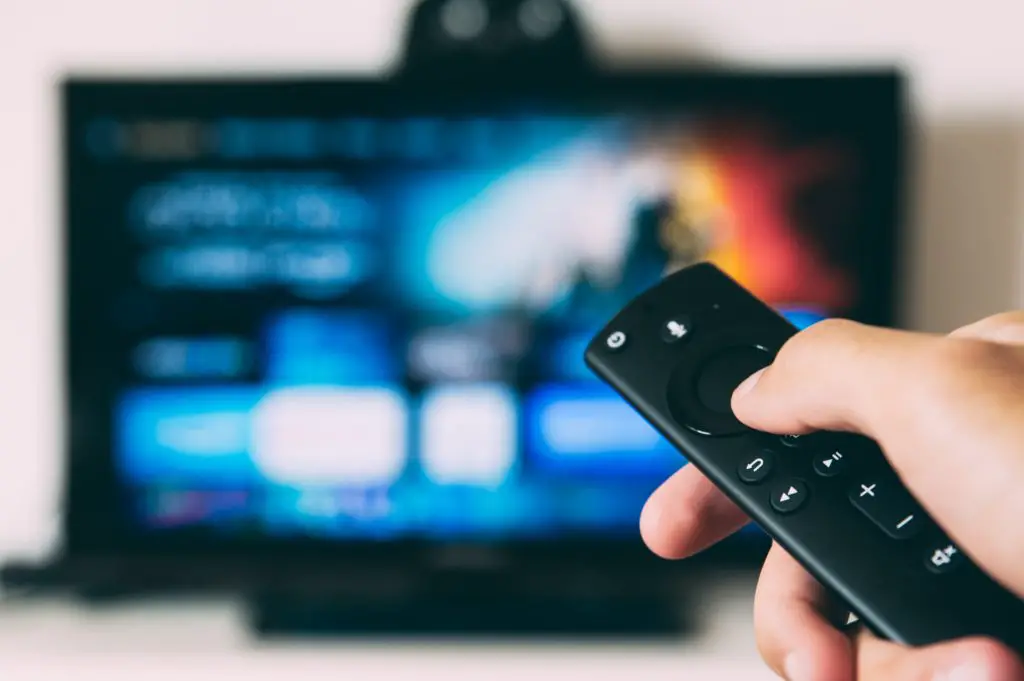
Spectrum Remote Won’t Change Channels
The thing with Spectrum remotes is that they are not too different from regular remote controls, and fixing them isn’t too much work, we recommend reading till the end of this article to find out all one needs to know to fix a spectrum remote that’s not changing channels
What May Cause Spectrum Remote To Not Change Channels?
- Batteries
- Interrupted Signals between the spectrum receiver and the spectrum remote
- Using wrong remote
- dust
- Broken signal transmitter
- Incorrect pairing
- Fluorescent lights
11 Ways To Fix Spectrum Remote
Before using the steps provided below to fix a faulty spectrum remote, it is a great idea to first find out if the remote is the problem. Sometimes, it might be the receiver that is not allowing channels to change. Check to see if the light of the spectrum receiver is on, if off, that may be why the remote is not working, then change the channels using the buttons on the receiver, if the channels change then the remote is the problem, otherwise, the receiver is at fault.
1. Cable button
If it is of utmost importance to switch channels or one just does not have the time to go about fixing a faulty spectrum remote, changing channels via the cable buttons should allow one to switch from one channel to the other using the +/- buttons
2. Make sure the spectrum remote is pointed properly at the receiver without any objects standing between the receiver and the remote control
3. Check to ensure the right buttons are being pressed on the spectrum remote.
4. Replace the batteries;
The cause of the issue may be that the batteries might have stopped working or may have become faulty, replacing the batteries in a spectrum remote should cause the remote to be able to change channels if the issue isn’t anything more serious. Or instead of completely replacing the batteries, one may just take out the batteries for a minute and then reinsert them again.
5. Switch off fluorescent lights
Spectrum remotes transmit signals to spectrum receivers using infrared lights, thus if there are any fluorescent lights nearby, the signals may get scrambled. Turn off fluorescent lights to get rid of interference.
6. Reprogram the remote;
all spectrum remotes come with their instruction manuals, check through yours to know how to reprogram your spectrum remote using the reprogramming codes
7. Inputting 0
If the channel a user is trying to change to is a singular digit one such as 4 or a 3, sometimes adding a 0 before the number helps
8. Power cycling the spectrum setup
The cause of the spectrum remote failing to work properly may be the result of the entire spectrum set up (tv, remote, system, etc), to fix the issue, the entire thing needs to be power cycled.
To Do This:
- Turn off all devices compatible with the spectrum remote control
- Ensure all devices are unplugged from their power sources
- Turn off the spectrum remote itself
- Leave everything off for a few minutes
- Turn everything on again and see if the remote is working as it should.
9. Enable The Remote To Control The Tv
The controlling option of a spectrum remote on a tv may be disabled.
To Turn It On:
- Click the menu button on the remote
- Select the settings & support section using the arrow keys on the remote
- Select the remote control option
- On the options that show up, select connect remote to tv
- On the list of TV channels, select your TV and press the enter or ok button
10. Reboot The Receiver:
After trying various steps and methods, and the spectrum remote still fails to change channels, the next step may be to reboot the receiver as it may be that the receiver has caught a bug or is glitching. To reboot a spectrum receiver, unplug the power cord from its socket for a few minutes at least 1 minute to ensure the power light turns off, and then plug it back in. the spectrum remote should be working now
11. Contact Spectrum Customer Service
If none of the provided methods prove fruitful in getting a spectrum remote to change the channel, the last and best resort is to contact spectrum care to get immediate and professional assistance.
Conclusion
As shown in the steps in this article, it is not that hard to fix a faulty spectrum remote that is not changing channels, it costs nothing and can be done by anyone. Follow the above steps the next time your spectrum remote is unable to change channels, and contact the spectrum support team if all else fails. It is our greatest hope that the methods provided in this article can solve the issue with the spectrum remote.
Frequently Asked Questions
- Do spectrum remotes fail to change channels frequently?
As the causes of a spectrum remote not changing channels are numerous and they vary, it has to be said that a spectrum remote can refuse to change channels at any time.